Support & maintenance
Help with an existing scanner, or advice on a new one
Warranty repairs, software and drivers, consumables, and general questions: here's how each is handled.
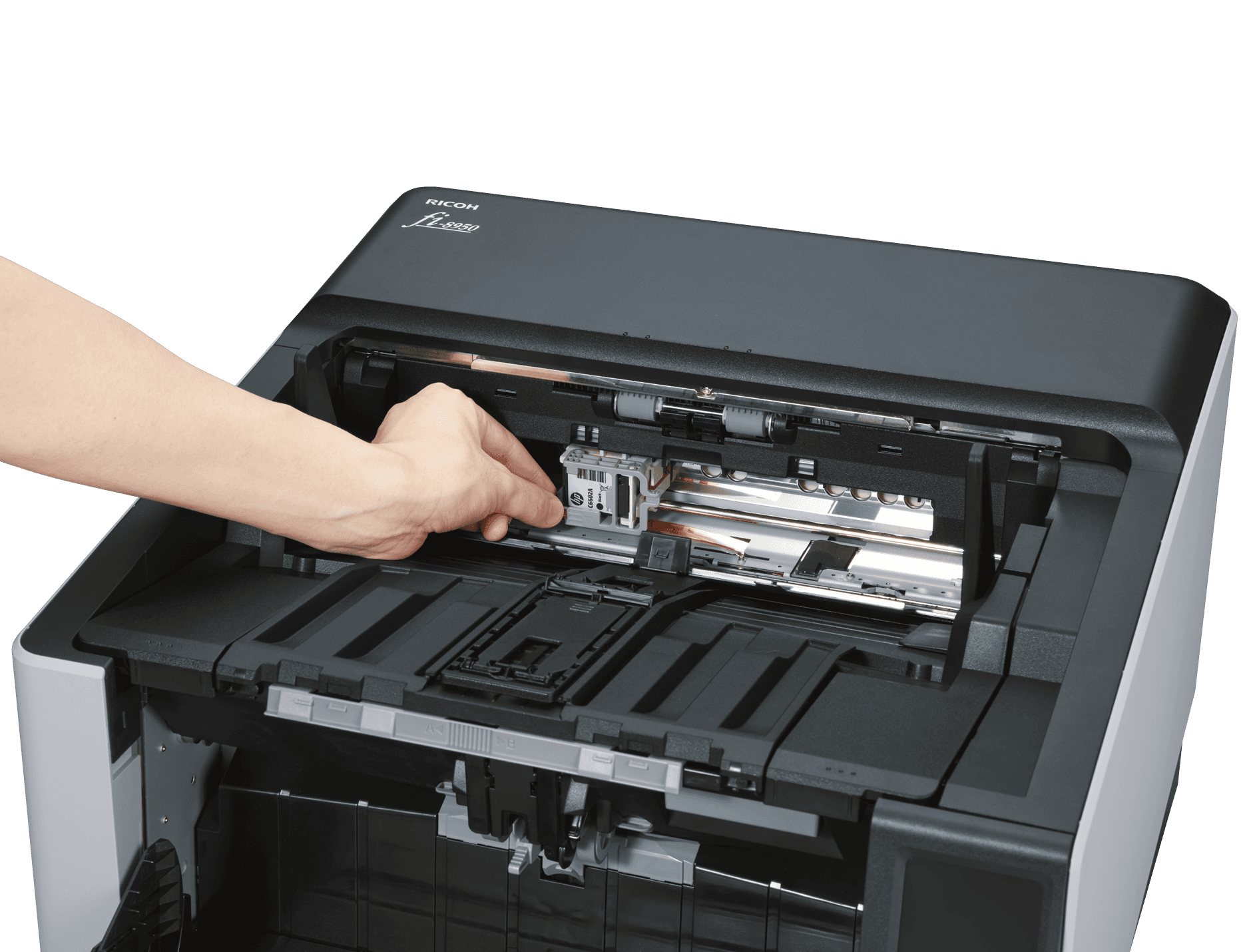
Warranty & servicing
Every scanner comes with a manufacturer warranty. If a unit develops a fault, contact us with the model and a description of the issue and we'll arrange the repair path with the manufacturer.
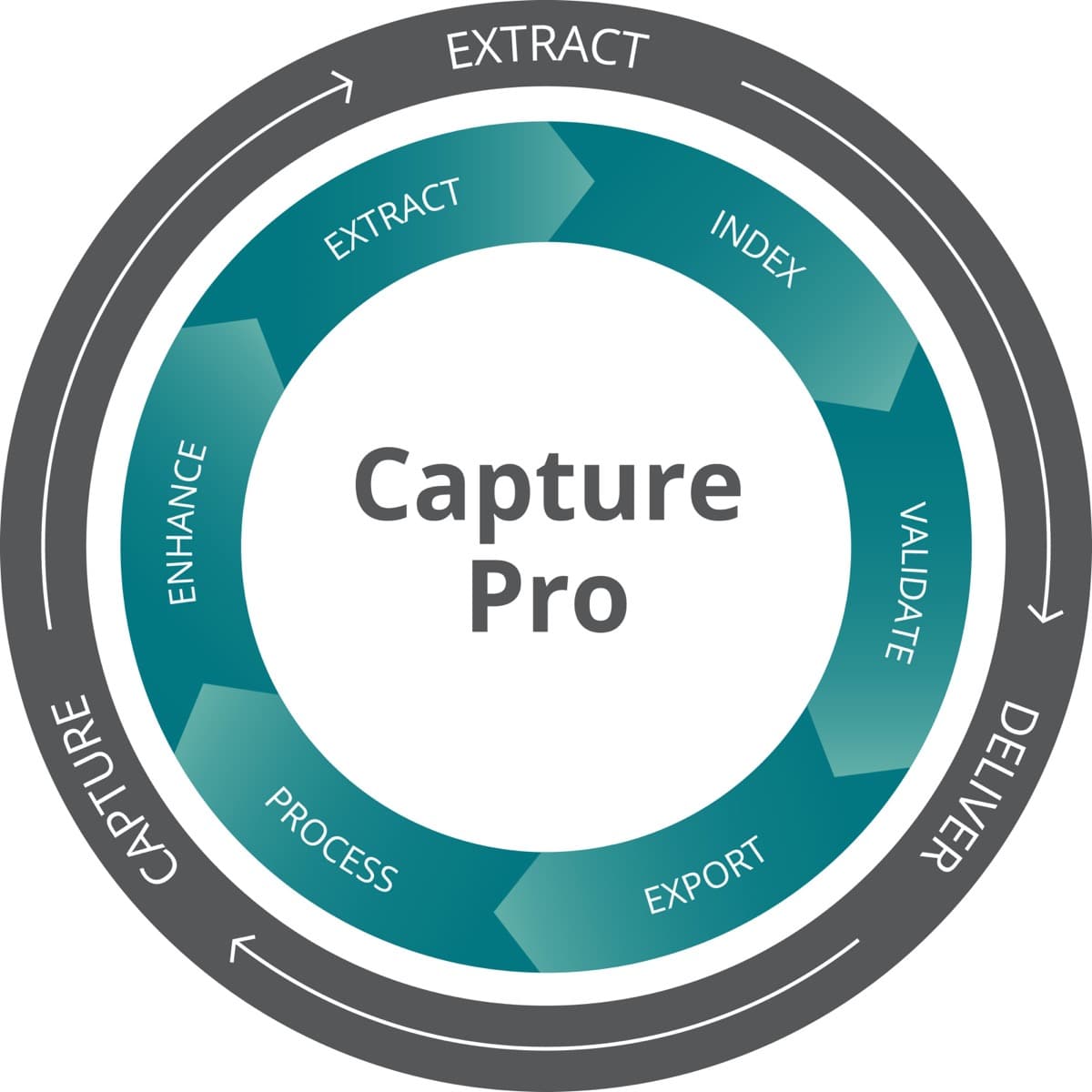
Software & drivers
Kodak Alaris units run on Capture Pro; Ricoh units run on PaperStream Capture and PaperStream IP. Driver and software updates are available from each manufacturer: get in touch if you're not sure which version you're on.
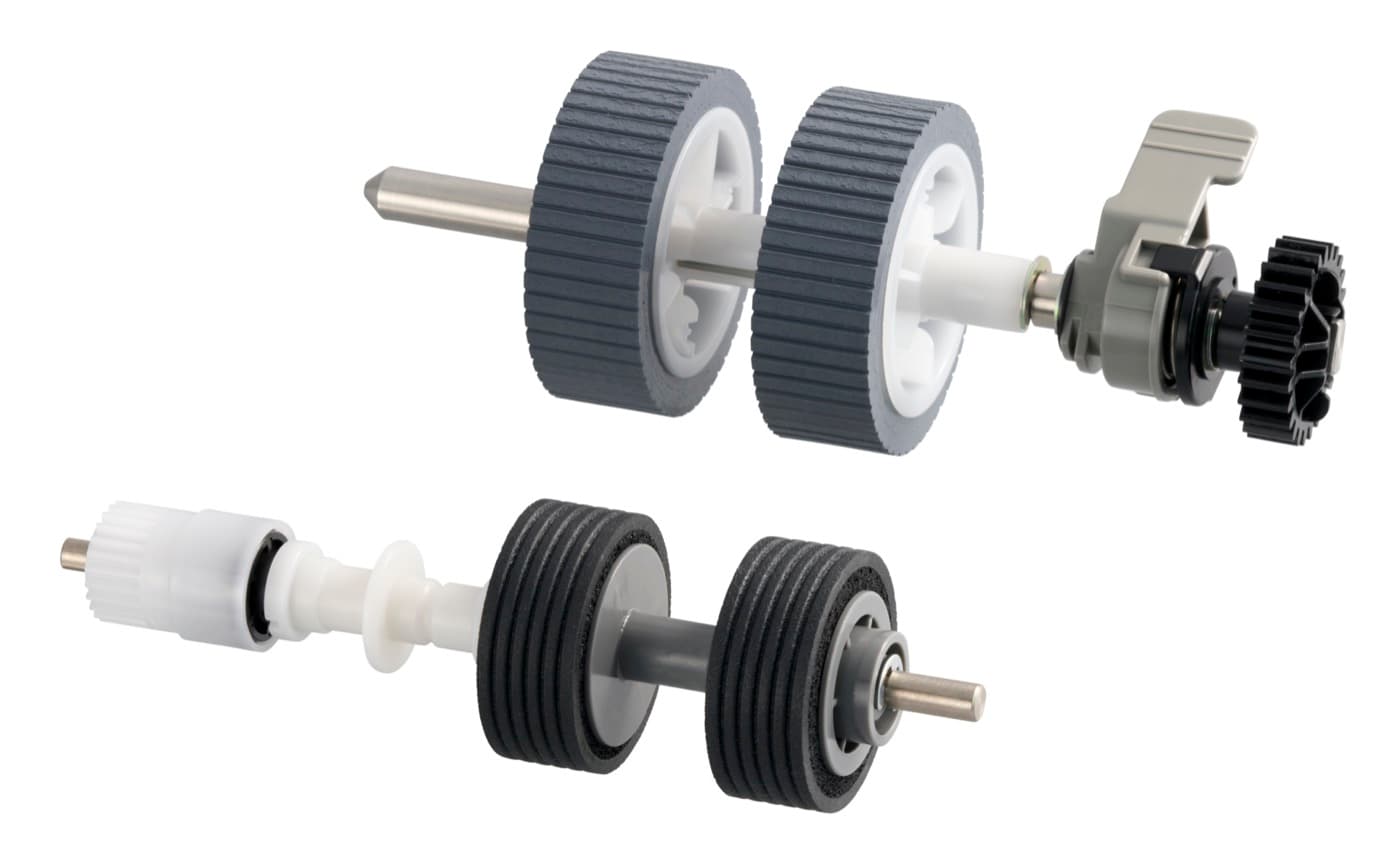
Consumables & spares
Rollers, pads, and other wear parts are listed with live pricing on each scanner's own product page. If your model isn't listed yet, tell us which one you have and we'll quote the part.
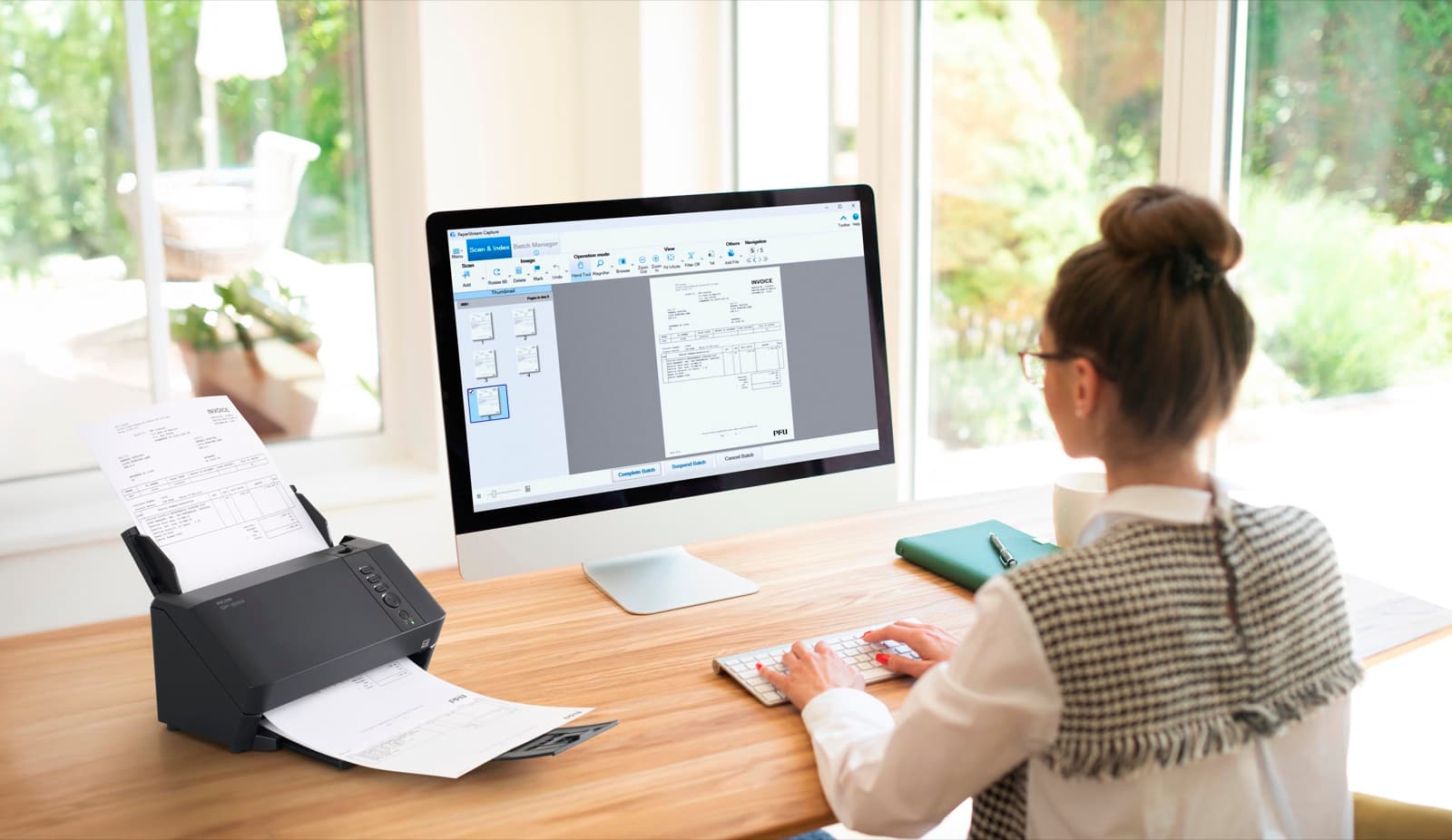
Getting help
For anything else: a question about an existing order, help choosing the right unit, or a service request. Call or email us and we'll take it from there.
Contact support
Have the model name or invoice number to hand if it's about an existing order: it speeds things up.